SOP templates · step-by-step, with screenshots
SOP templates for screens full of private data
Three real standard operating procedures, each recorded with Dewtrail on a sample app. Patient, client and user details were blurred before each screenshot was taken. Read them, download the PDF, or record your own version in your own system.
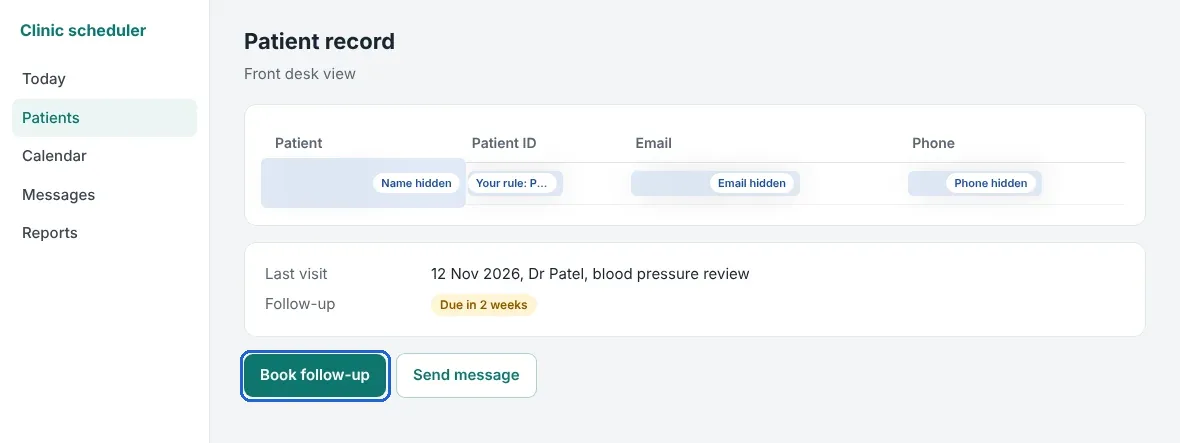 Clinic and practice adminBook a follow-up appointmentBook a follow-up appointment from the patient record. Patient names, IDs, phones and emails blurred.
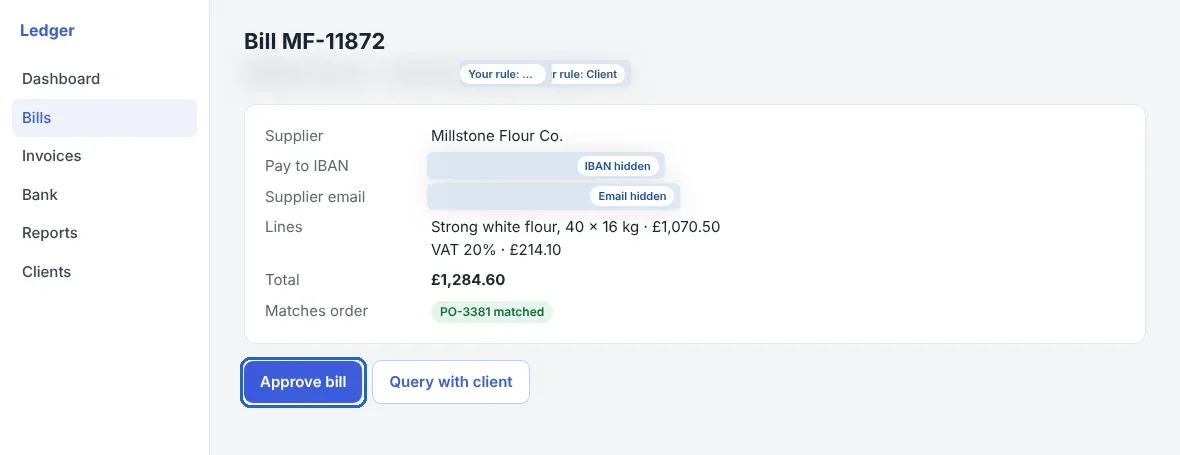 Bookkeeping and accountingApprove a supplier bill and schedule paymentApprove a supplier bill and schedule the payment. Client names, IBANs and emails blurred.
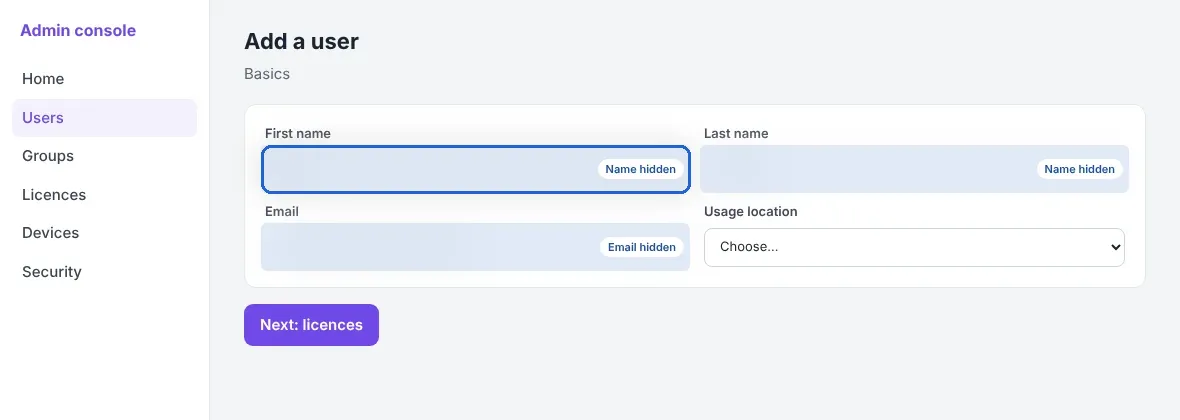 IT support and MSPsAdd a new user and assign a licenceAdd a user, assign a licence and set a temporary password. Client names, emails and passwords blurred.
How to create an SOP with screenshots
Do the task once
Press Alt+Shift+R and work as usual. Dewtrail, a steps recorder for Chrome, writes each step and takes the screenshot.
Private details stay hidden
Names, emails, phone, card and account numbers, and your own rules are blurred before each screenshot.
Add tips and share
Reword titles, add tips and headings, then export a PDF or copy it into Docs, Notion or Confluence.
Coming soon to the Chrome Web StoreSee how Dewtrail worksWatch the 40-second video